Hey everyone, Refloat version 1.2 is coming out.
Release stage: stable
In this version the config management during an upgrade has reached the state where no manual actions should be needed (if things work correctly) and after upgrading everything should keep working as before (read on for more details). Hence I would like for people to move over to this version and then do regular upgrades, as they should be low effort and low risk of things going wrong, especially if on firmware 6.05+.
On the topic of firmware, 6.06 has just been released. While (as far as I know) it hasn’t entirely been verified to work well for Onewheels, once it is, it contains several improvements for the Refloat package, so if you’re considering doing a firmware upgrade, I suggest to wait a bit and go for 6.06 once it’s proven to be stable for our application.
Feature Highlights
The following major features are introduced in this version. See the changelog for a complete list.
BMS pushback / alerts
On boards with a VESC BMS connected to the controller over CAN, BMS-based alerting can be enabled and configured on a new tab in Refloat Cfg. This can alert in case of low/high cell voltages or temperature errors.
Speed-based pushback
Similar to duty cycle pushback, a speed threshold can be configured which will trigger the same pushback/haptic alert as in case of duty cycle if crossed.
Seamless package config migration
From now on, changes in config options can now be automatically migrated from one Refloat version to the next, removing the need to manually fix config options after an upgrade. Together with automatic backups introduced in last version, no manual action should be needed after a Refloat upgrade. Note the migration will not work when going back from a newer version to an older one.
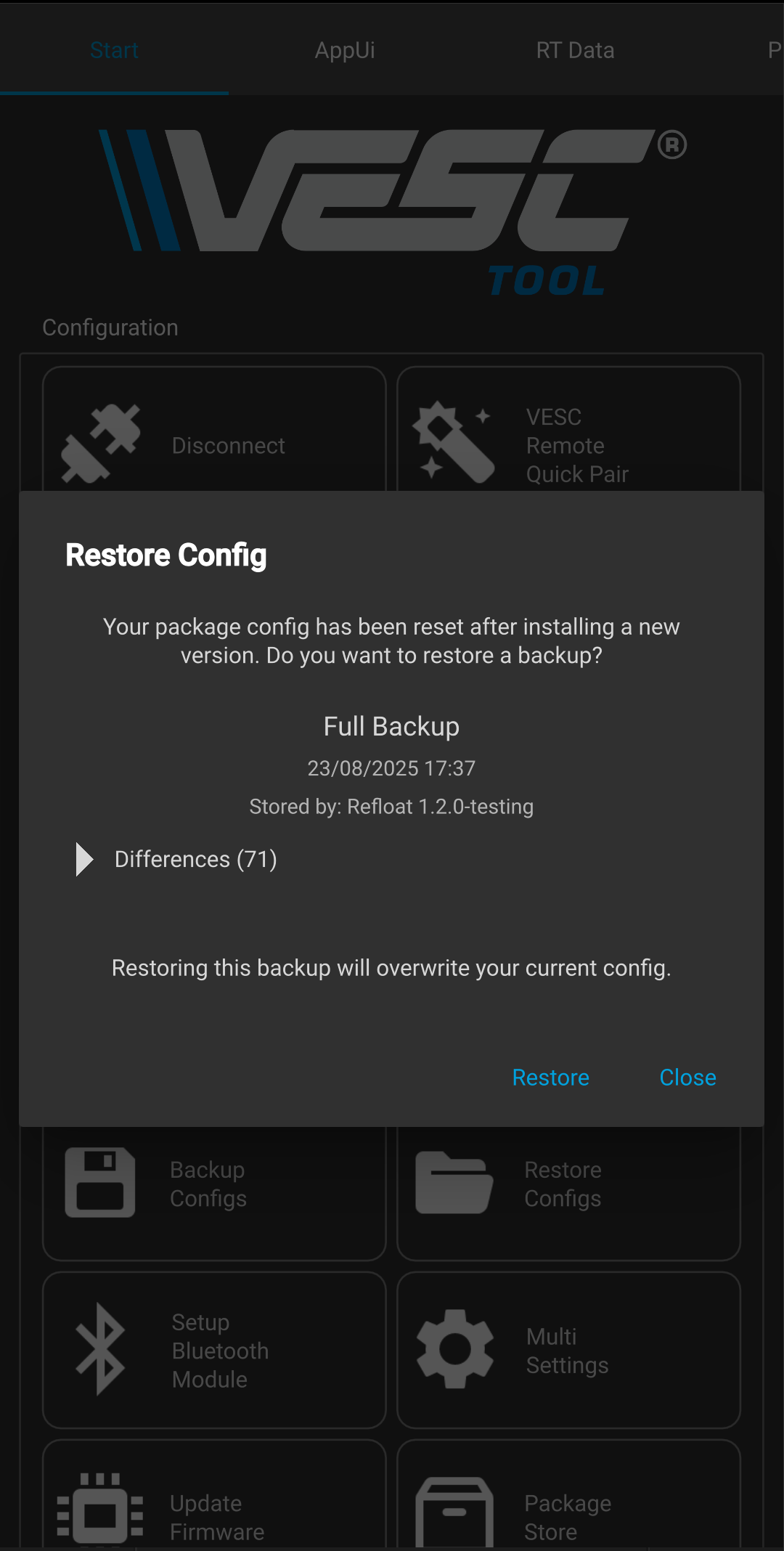
Please do still make manual backups until this feature is proven to be reliable.
Groundworks for a new Alerting system
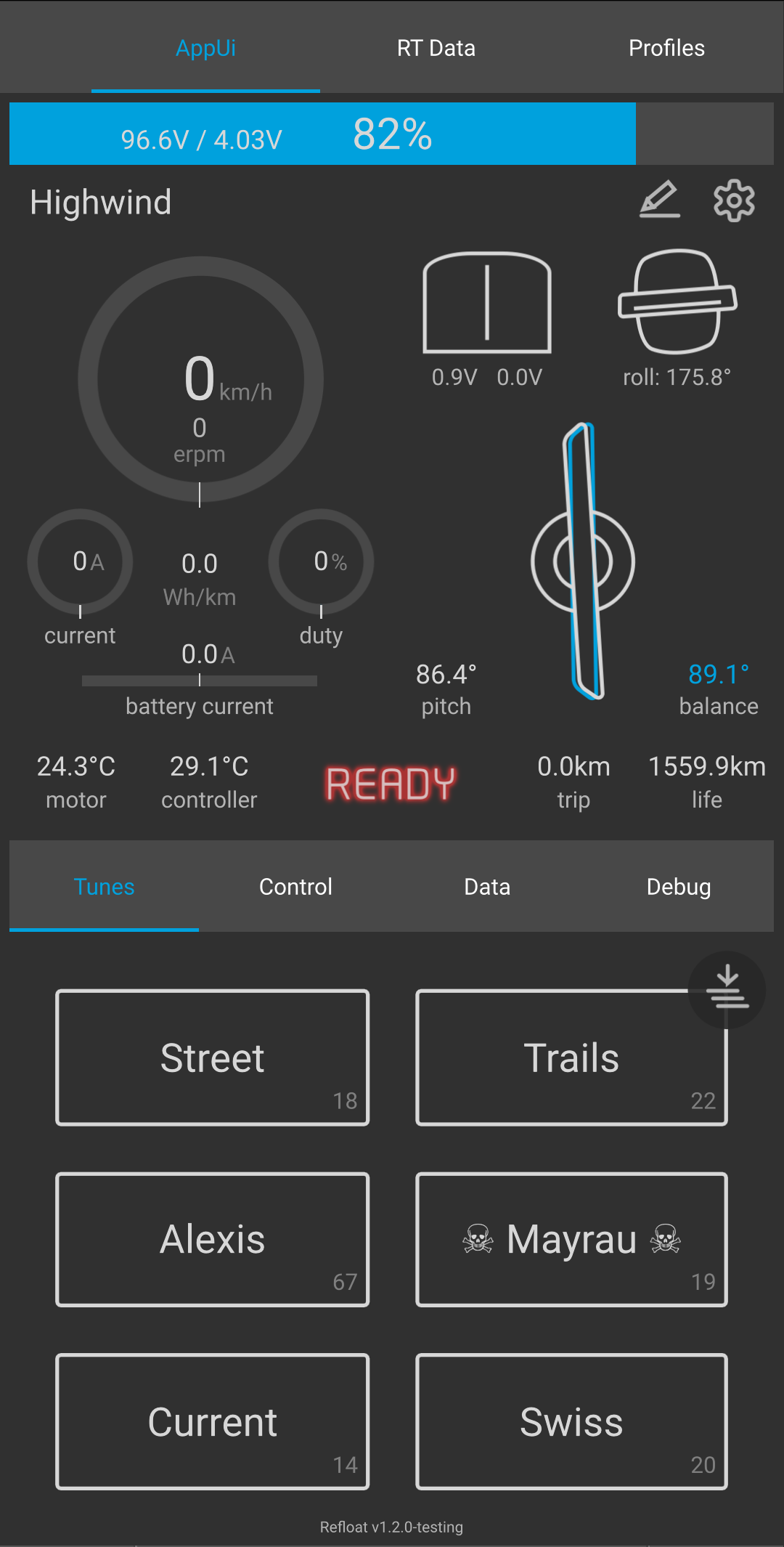
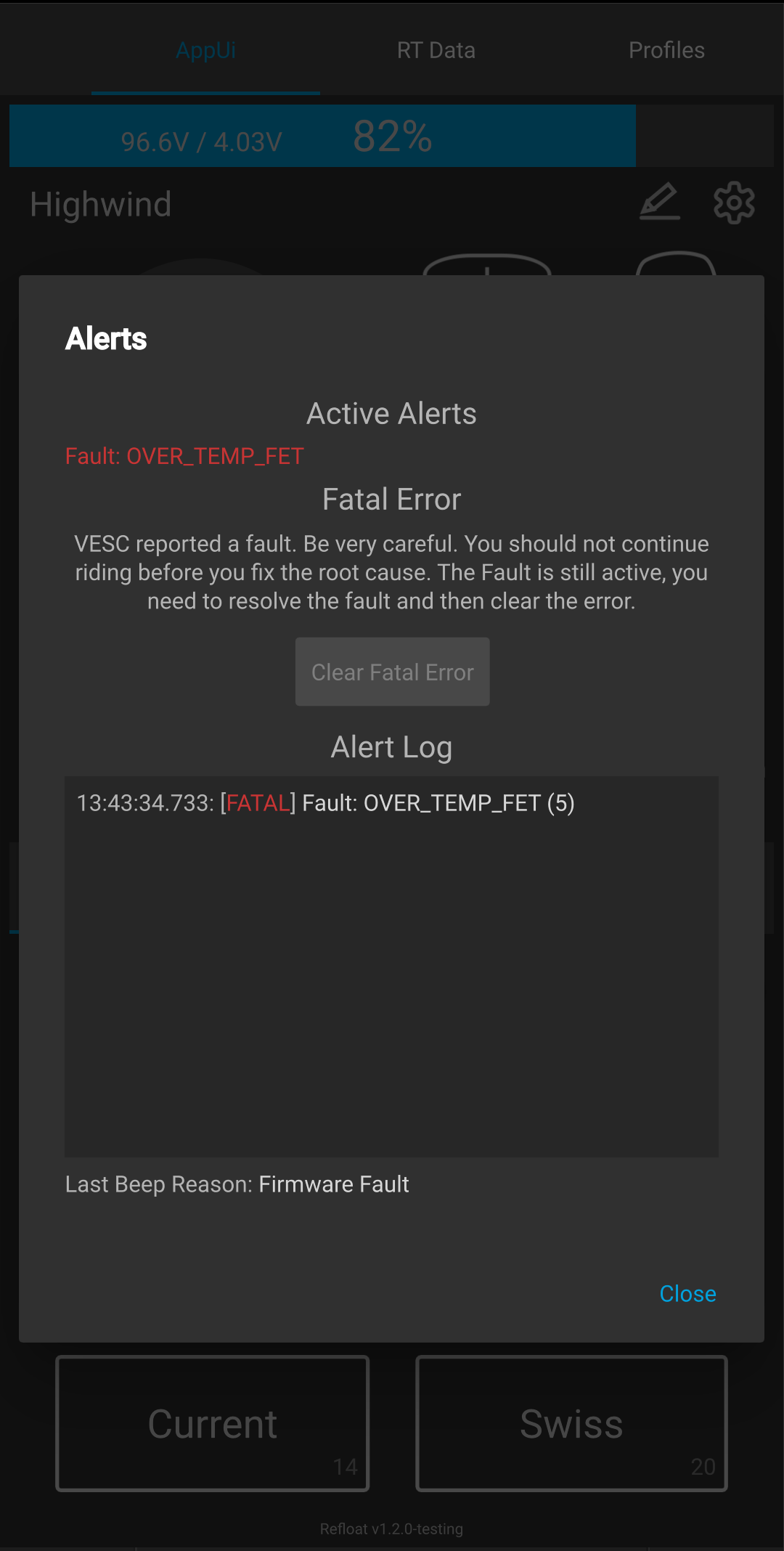
A new alerts listing/overview can be brought up by tapping on the status text in the middle of AppUI (the text saying “READY” in idle state). The board now also remembers the history of recent alerts and will show it even if VESC Tool wasn’t connected when they occurred. So far, only VESC firmware fault reporting is implemented via this feature (the other alerts will be added in future versions).
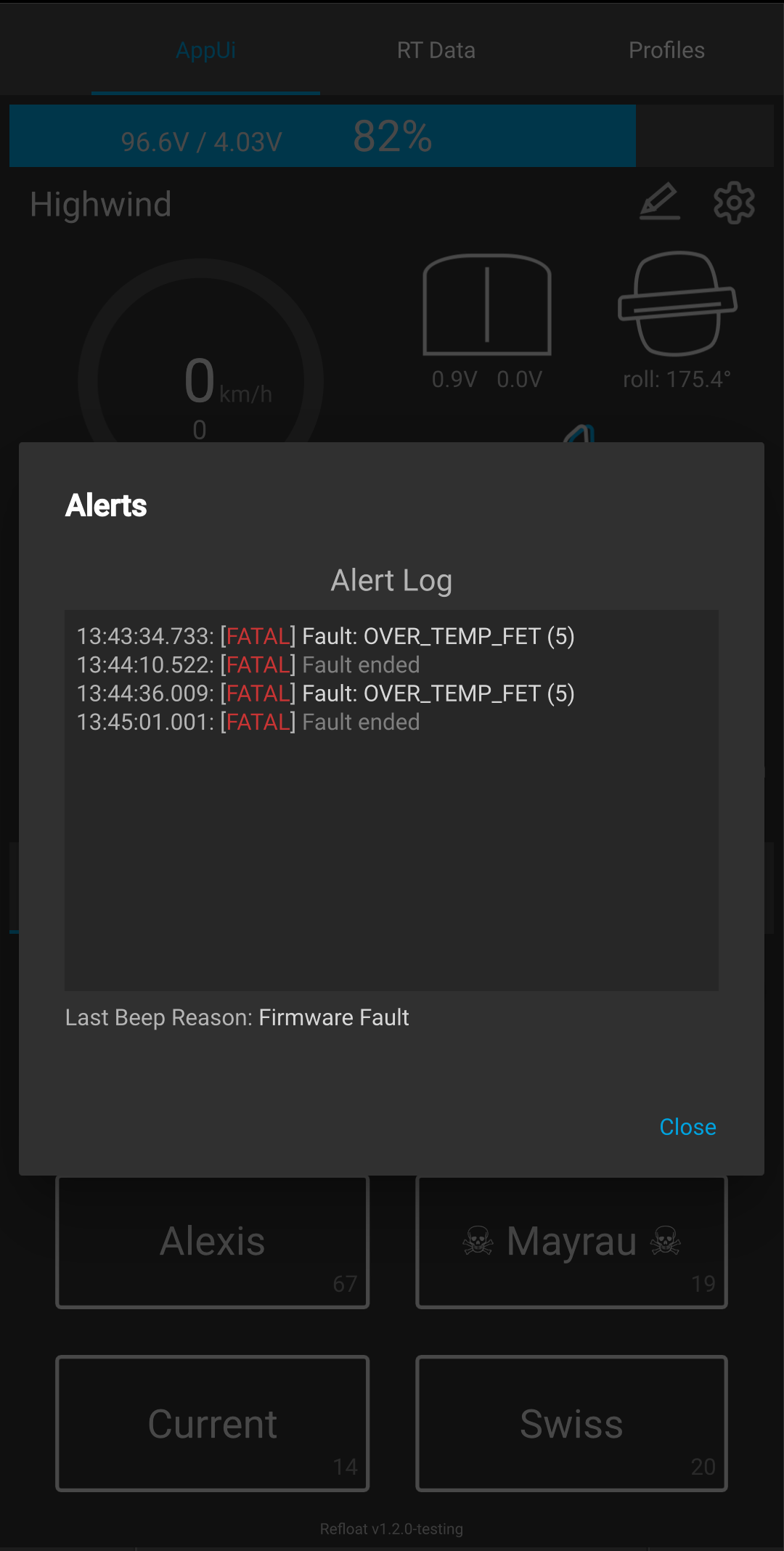
Firmware fault is newly considered a fatal error and the board will keep the information a fatal error occurred and will alert via pushback and haptics (four beeps) even if the fault is temporary and goes away by itself (the status text will stay red in that case). The fatal error needs to be cleared to make the alert go away (either via the button in the Alerts dialog or by turning the board off and on):
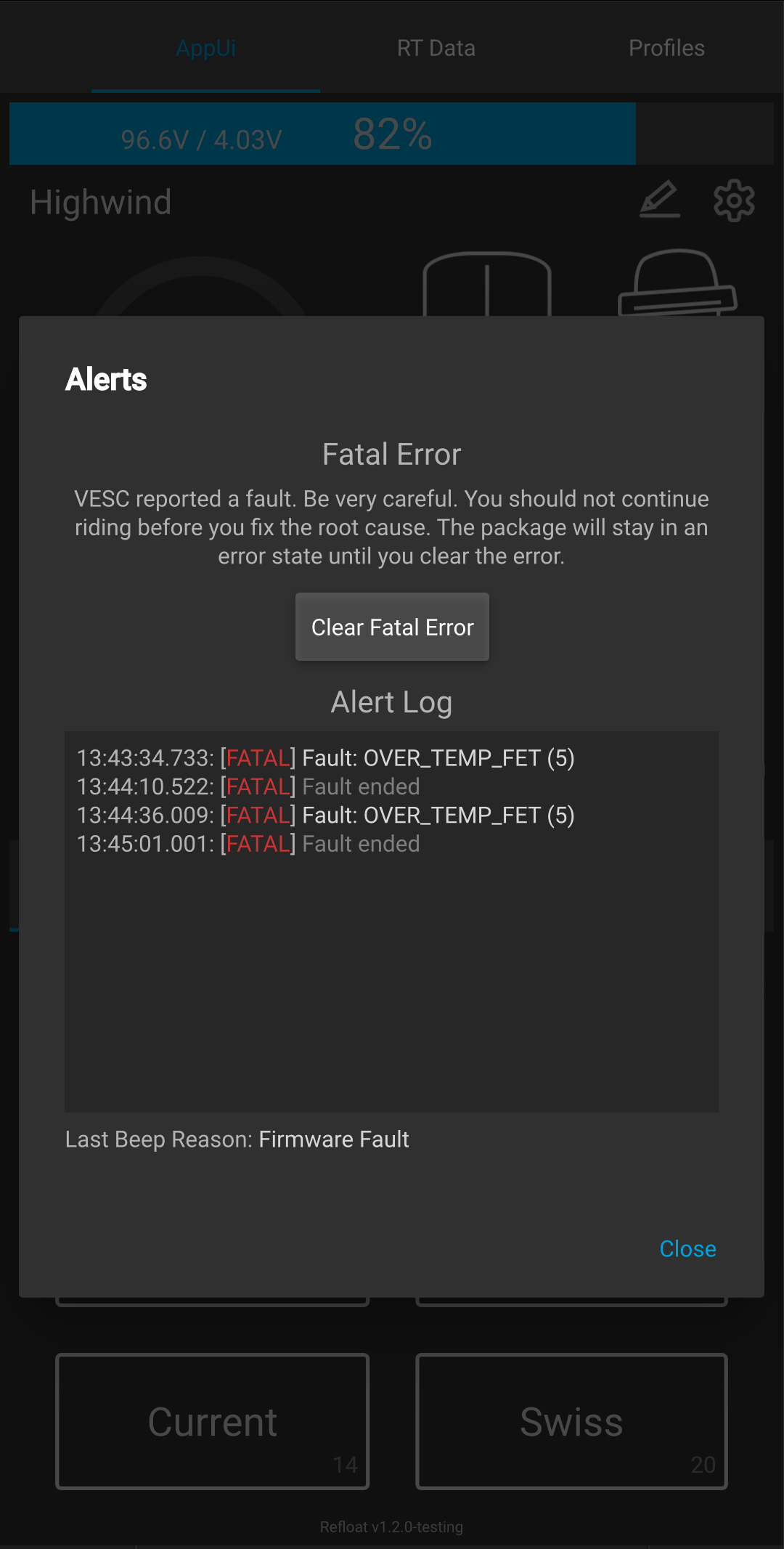
As long as the firmware fault is active, the fatal error can’t be cleared:
Installation
Back up your package config (either by Backup Configs on the Start page, or by saving the XML on Refloat Cfg).
If upgrading from Refloat 1.1 to 1.2, an automatic config restore dialog should pop up. Confirm it to restore. This is the preferred way to update the config from now on, as it will also migrate any changed options to the new version. Other methods of restoring the config will not do that.
In case the automatic config restore fails, restore it the traditional way and please report the issue, so that it can be fixed.
Download and full changelog
Package README (normally shown when you open the package, older versions of mobile VESC Tool don’t show it when installing from a file)
Install via Packages → Install from file… on mobile, or VESC Packages → Load Custom on desktop.

